Loading...
cursecraftmc.com
Click to copy IP
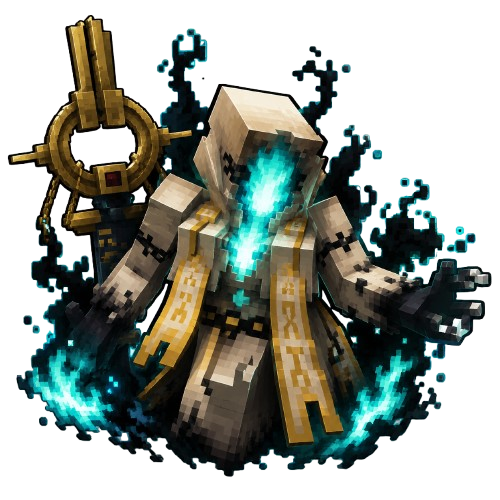
The Divine Hunt Begins

Abe no Seimei rises from the Heian era wielding Shisha no Sho, the Book of the Dead. The one key to its true power is Angel.
A new raid boss event with its own raid lobby and full party system.
A radiant new weapon set with custom abilities — plus Abe no Seimei weapons.
The official Minecraft client for CurseCraft. Custom cloaks, particle effects, HUD overlays, crosshairs, and performance controls — all built in.
Download for Windows7 styles with adjustable size, color presets, outline toggle, and a dynamic color that changes when targeting players.
Equip cloaks visible to all CurseCraft players. Animated textures, organized categories, and a live preview panel.
Flames, hearts, enchantment sparkles, cherry blossoms, soul fire, and more — cosmetic particles that follow your character.
FPS counter, ping, coordinates, armor status, potion effects — all draggable. Fully customizable positions and scaling.
Toggle sprint, fullbright, zoom, and performance controls. Render distance, FOV, particles, and FPS limit from one menu.
The launcher and modpack update automatically. You're always on the latest version without doing anything.
Click the download button above. If SmartScreen appears, click "More info" then "Run anyway".
Follow the setup wizard. Installs to your user folder — no admin permissions required.
Open Curse Craft and sign in with your Microsoft account. Forge and all mods install automatically.
Click Play to launch. Press Right Shift in-game to open the CurseCraft menu.